Stop the fake login and the bad download at the click.
Phishing pages no longer need to steal a password to take over an account. Adversary in the middle kits capture the session, device code and consent phishing get a user to approve access themselves, and a file posing as an invoice does the rest. Enforce sees each of these in the browser, where they happen.
Talk to salesThe scenario
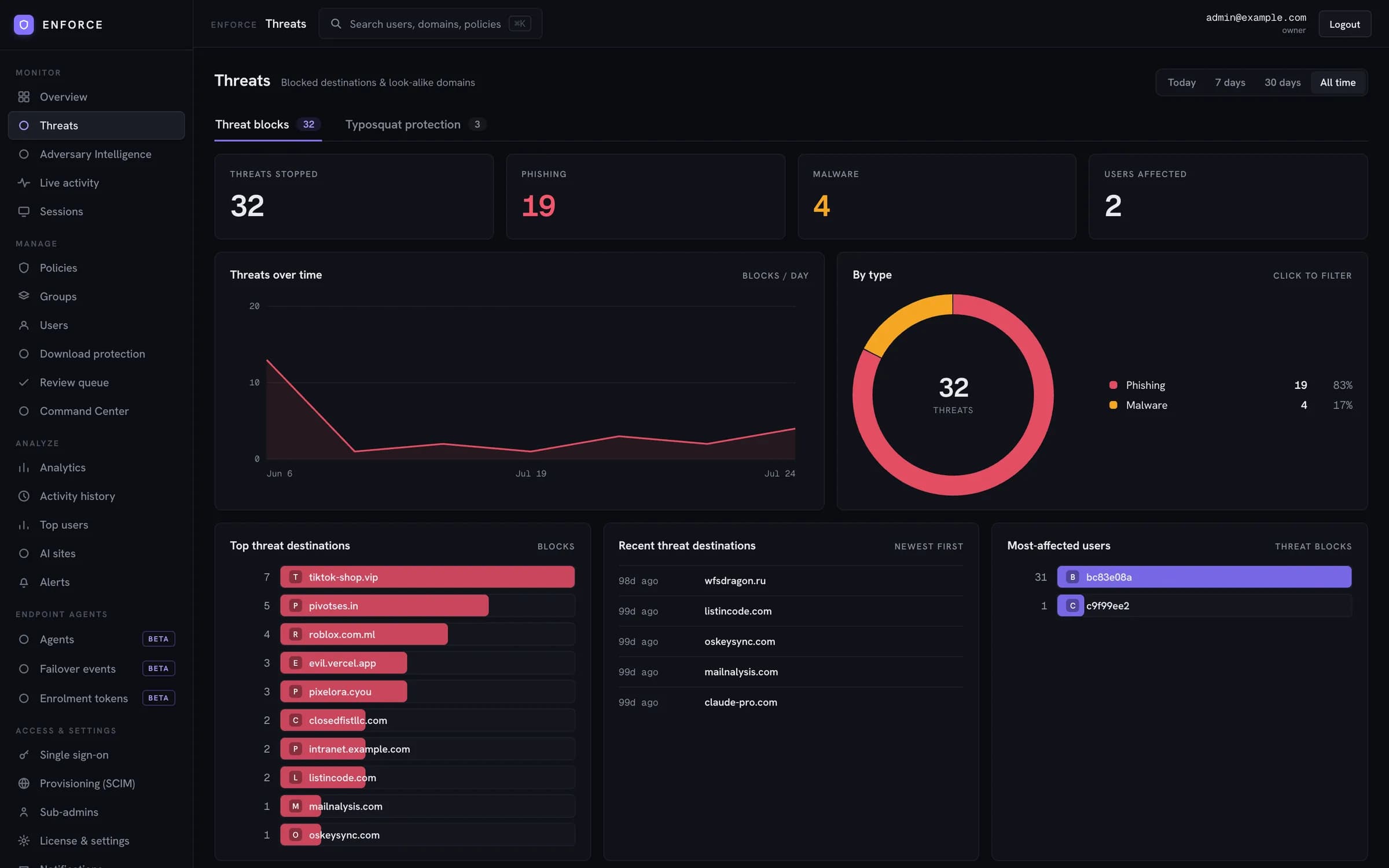
A finance user receives a link that looks like your SaaS login. The domain differs from the real one by a single character. The page relays their login and MFA to the real service and keeps the session. Later the same day, an "invoice" arrives as a shortcut file inside an archive.
How Enforce handles it
- 01
The lookalike domain matches a brand on your protected list and is blocked before the page loads.
- 02
Known phishing kit infrastructure is blocked from the threat list that lives in the browser.
- 03
The archive download is held. Enforce opens it, finds the shortcut file that launches a command and stops it.
- 04
If an account is still suspected, Command Center ends that user's sessions on the affected domain.
Controls involved
- Lookalike and typosquatted domain detectionPhishing protection
- Adversary in the middle, device code and consent phishing protectionPhishing protection
- Download inspection by true file type and container contentsDownload protection
- Named threat actor attributionAdversary intelligence
- Session kill and tab lockLive session control
Context
Phishing featured in 16% of all breaches, and the human element was present in 62%.
Source: Verizon 2026 Data Breach Investigations Report
See Enforce on your own traffic.
We start in watch mode on a group you choose and show you what Enforce would have blocked before anything is switched on.
Talk to sales