Resources
Allow AI chat, block the uploads
Banning AI pushes people to personal accounts. Allowing it without control leaks data. There is a middle path, and it runs inside the browser.
5 min read
Why banning AI does not work
Customer records, financial details, contracts and source code get pasted and uploaded into AI chatbots every day. It leaves as ordinary encrypted traffic to a reputable domain, so a network gateway and endpoint DLP see nothing unusual.
Block the sites outright and people reach the same tools through personal accounts on the same devices. The traffic simply moves out of view.
67%
of users reach AI services through personal, non-corporate accounts on corporate devices
Source: Verizon 2026 Data Breach Investigations Report
Allow chat, block uploads
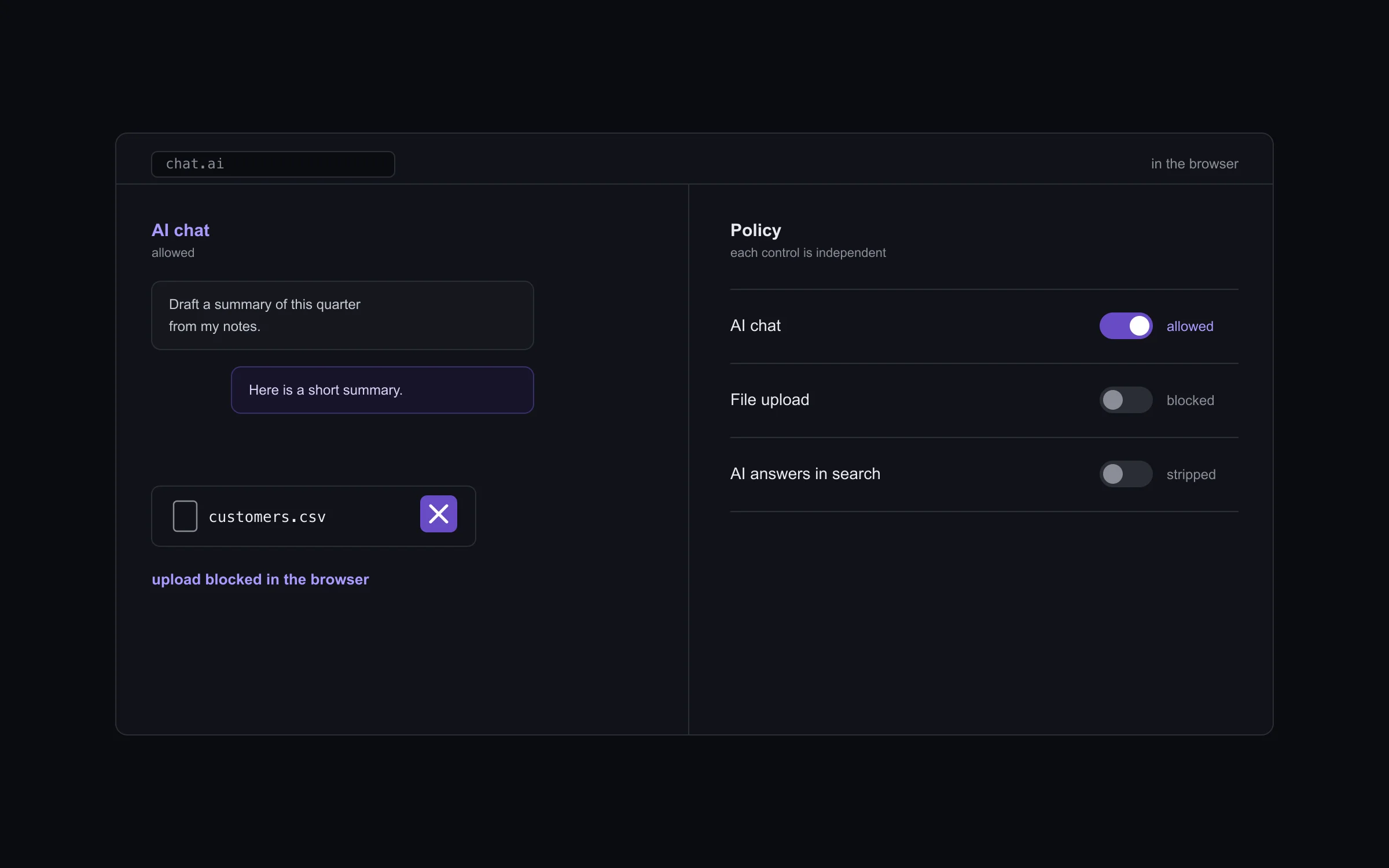
Enforce controls AI use inside the browser, one toggle at a time, before the data leaves the device. Each control is independent, so permitting chat while blocking uploads is a single setting.
You can block AI sites outright, allow chat and block file uploads, strip AI overviews and assistant answers from search results, and force SafeSearch on so users cannot turn it off.
See the AI tools nobody has classified
The AI sites view shows which services your people actually reach, including the ones nobody has classified yet. You approve the internal or vetted tools you trust with an exemption list, and keep watch on the rest.
That turns shadow AI from a guess into a list you can act on.
Where to start
Start in watch mode. See which AI tools your people use and what they upload, then allow chat and block uploads on the groups that need it. Nothing blocks by surprise.
See Enforce on your own traffic.
We start in watch mode on a group you choose and show you what Enforce would have blocked before anything is switched on.
Talk to sales