Resources
Stop phishing in the browser, before the password is typed
Phishing happens where people click, inside the browser. Here is how to stop the fake login at the click without sending browsing history away to be checked.
5 min read
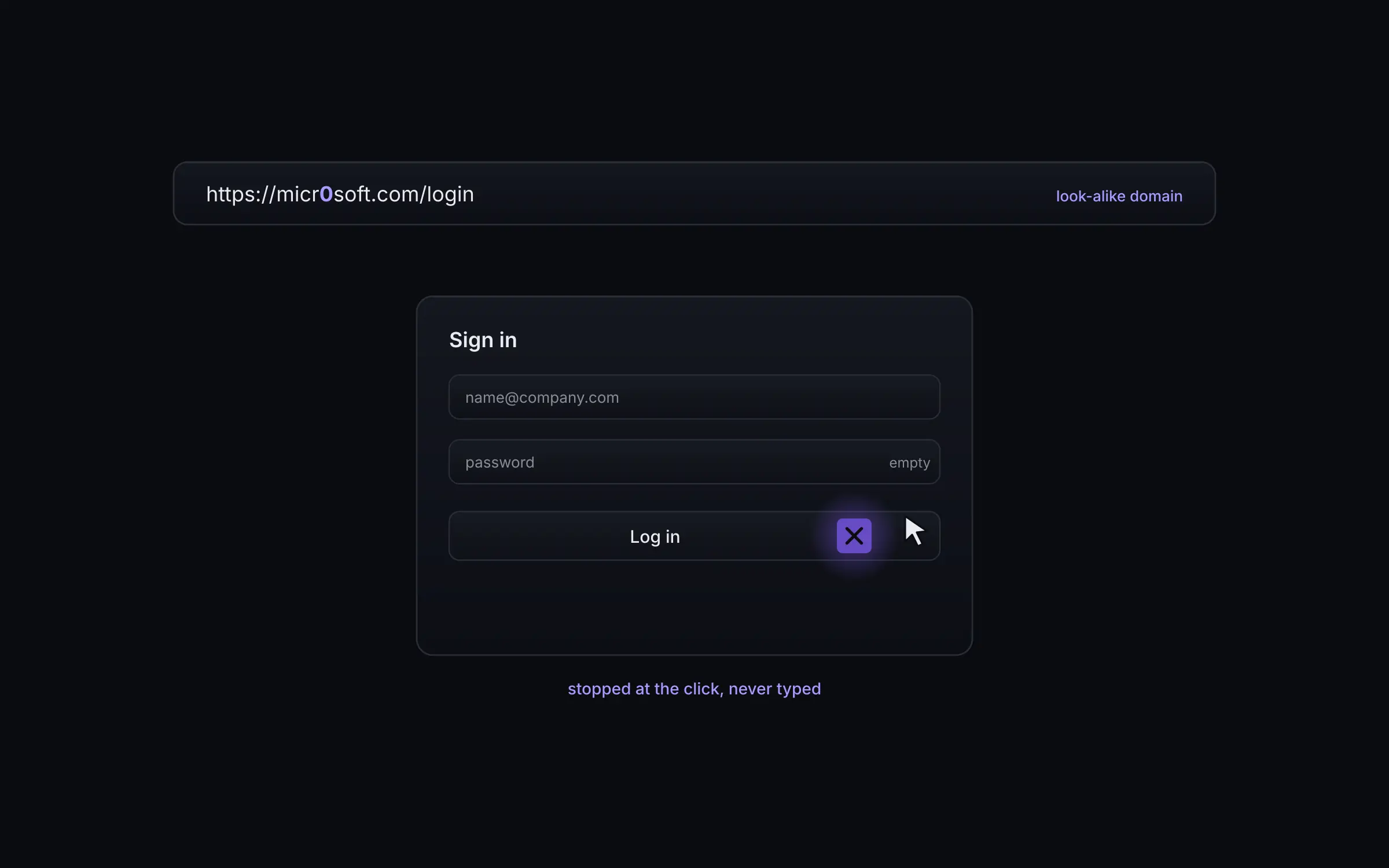
Phishing happens in the browser
A login approved on a page that looked genuine is one of the most common ways in. It happens at the point of the click, inside the browser, where a network gateway has little to act on.
A continuously refreshed threat list ships down to the browser, so a known bad destination is stopped on the device without sending browsing history to a cloud service to be checked.
Lookalike and typosquatted domains
You list the brands your people trust, your own domains and your main SaaS tools, and Enforce watches for domains pretending to be them. Lookalike and typosquatted domains are tracked in their own view.
You can block by category, add your own allow and block lists, and block whole domain endings used almost entirely for abuse.
Adversary in the middle and consent phishing
Protection covers adversary in the middle phishing kits, device code phishing and consent phishing, not just static bad domains. Per policy, a threat is blocked, warned about or logged quietly.
You choose fail open or fail closed if the browser cannot reach the service, and admins are alerted the moment fail closed engages.
Checked on the device
Because the list is checked on the device, browsing history is not sent to a cloud service to be checked against it. People are protected at the click, and their history stays local.
See Enforce on your own traffic.
We start in watch mode on a group you choose and show you what Enforce would have blocked before anything is switched on.
Talk to sales