Resources
Keep enforcing when your secure web gateway goes down
If your browsing runs through a gateway, that gateway is a single point of failure. Here is how to keep enforcing through an outage without a second product.
5 min read
The gateway is a single point of failure
If your organisation routes browsing through a secure gateway, that gateway is a single point of failure. When it goes down, filtering and policy go with it, and users are either blocked from working or left unprotected.
The Enforce agent removes that dependency without a second product or a network redesign.
One agent, three jobs
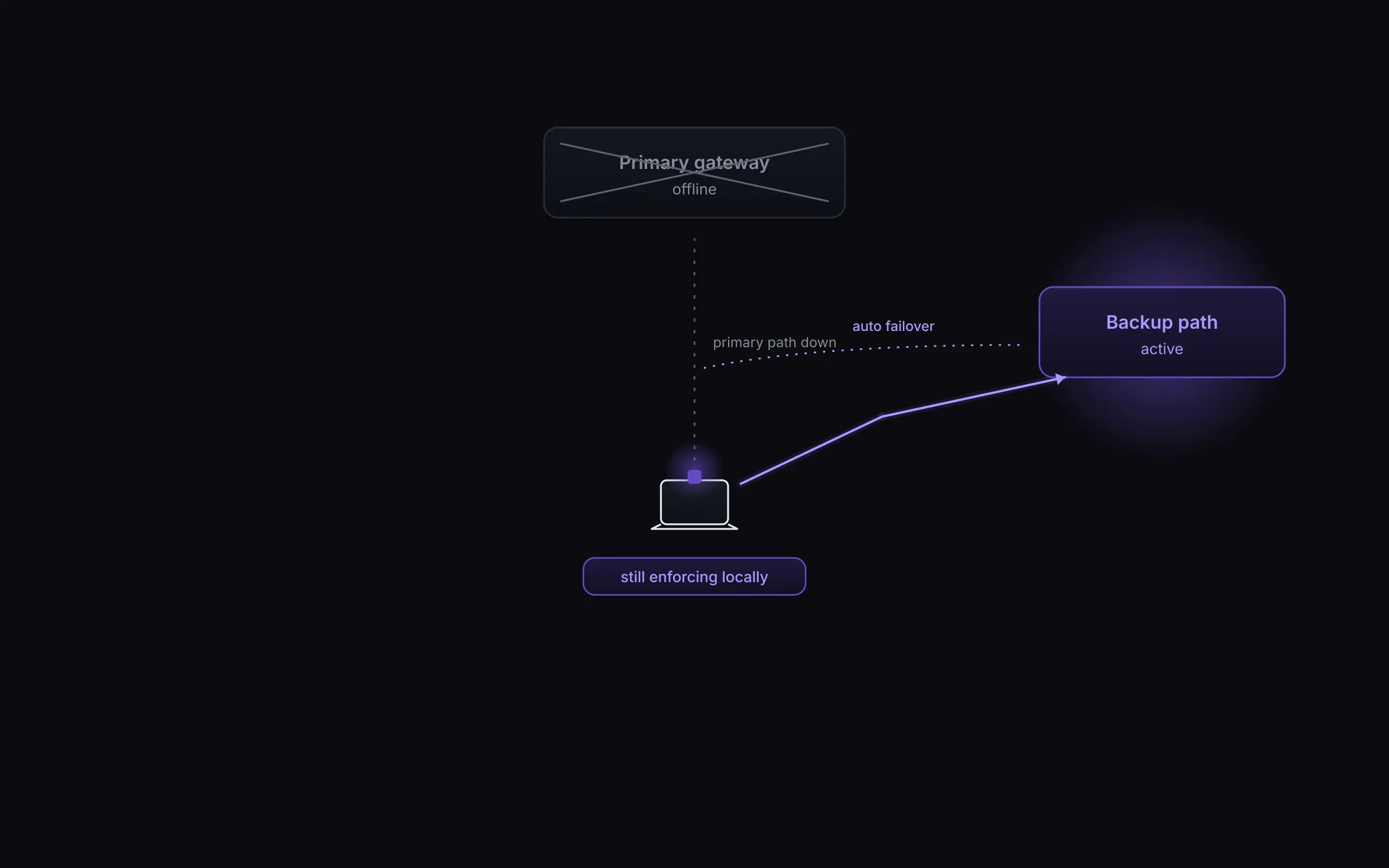
The agent and the extension run side by side on every managed device. The agent checks downloads on the device before they reach the disk, keeps blocking malicious and disallowed sites locally even during an outage, and moves traffic to a backup gateway and back.
While the primary gateway is healthy, traffic flows through it as normal and Enforce applies its own policy alongside it.
Failover with no prompt
On failure, the agent reroutes to a backup path you already own, with no user prompt and no VPN dialog. It returns to the primary the moment it recovers.
A per route allow list on the backup path keeps you in control of exactly what is permitted, and every failover is recorded in a time ordered log with its duration.
Where to start
Point the agent at the backup path you already own and set the allow list. Then watch the failover log to see recovery times from your own environment before you rely on it.
See Enforce on your own traffic.
We start in watch mode on a group you choose and show you what Enforce would have blocked before anything is switched on.
Talk to sales